FIRST WORKING PROTOTYPE
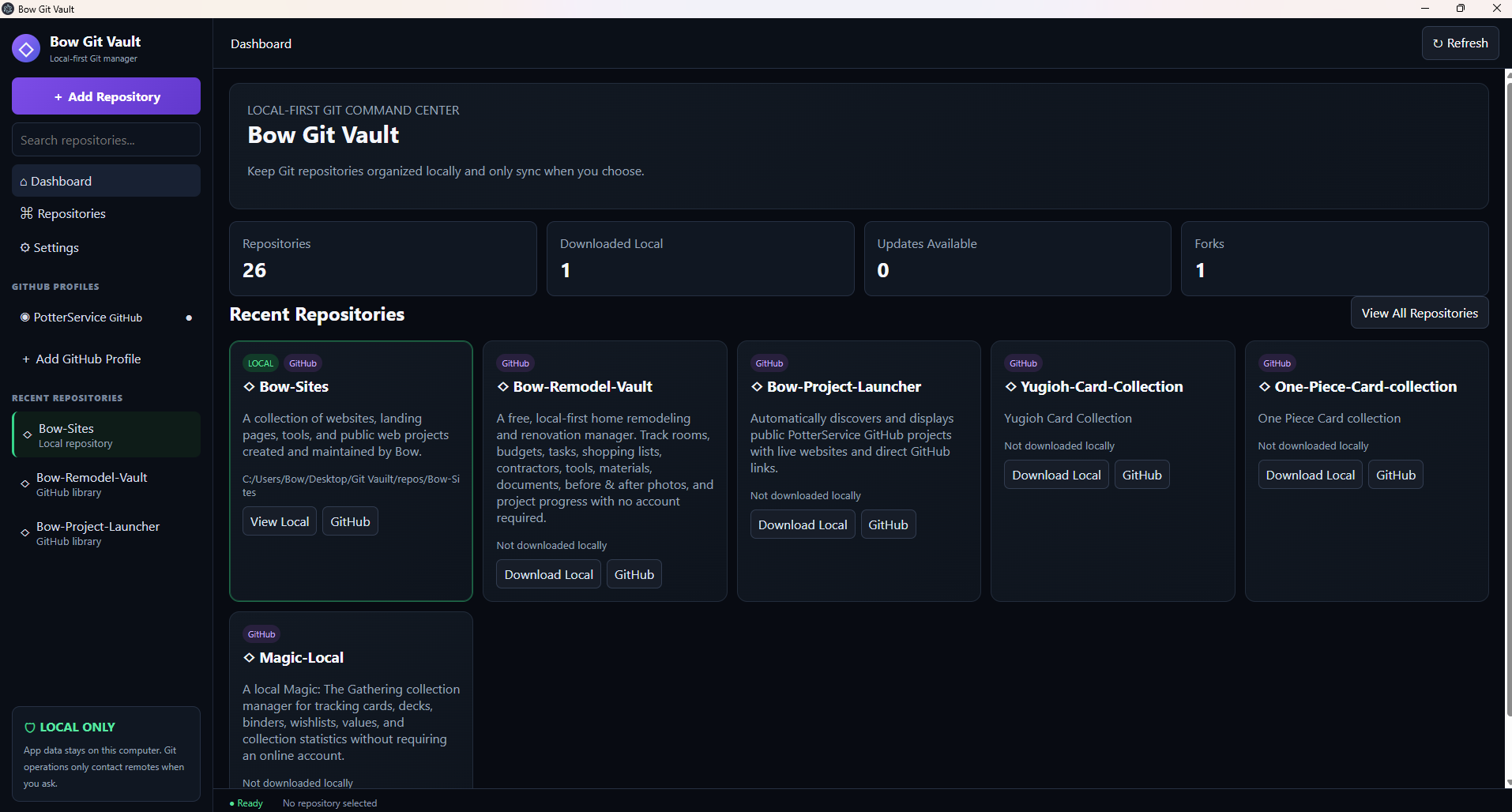
Dashboard
Repository totals, downloaded-local count, available updates, forks and recently used repositories.
These screenshots document an early working version and explain where major areas of Bow Git Vault are located.
Depending on the version you download or use, Bow Git Vault may look different or include features that were added, changed, moved, or removed. Experimental controls shown in an early screenshot are not guarantees of final functionality.
Repository totals, downloaded-local count, available updates, forks and recently used repositories.
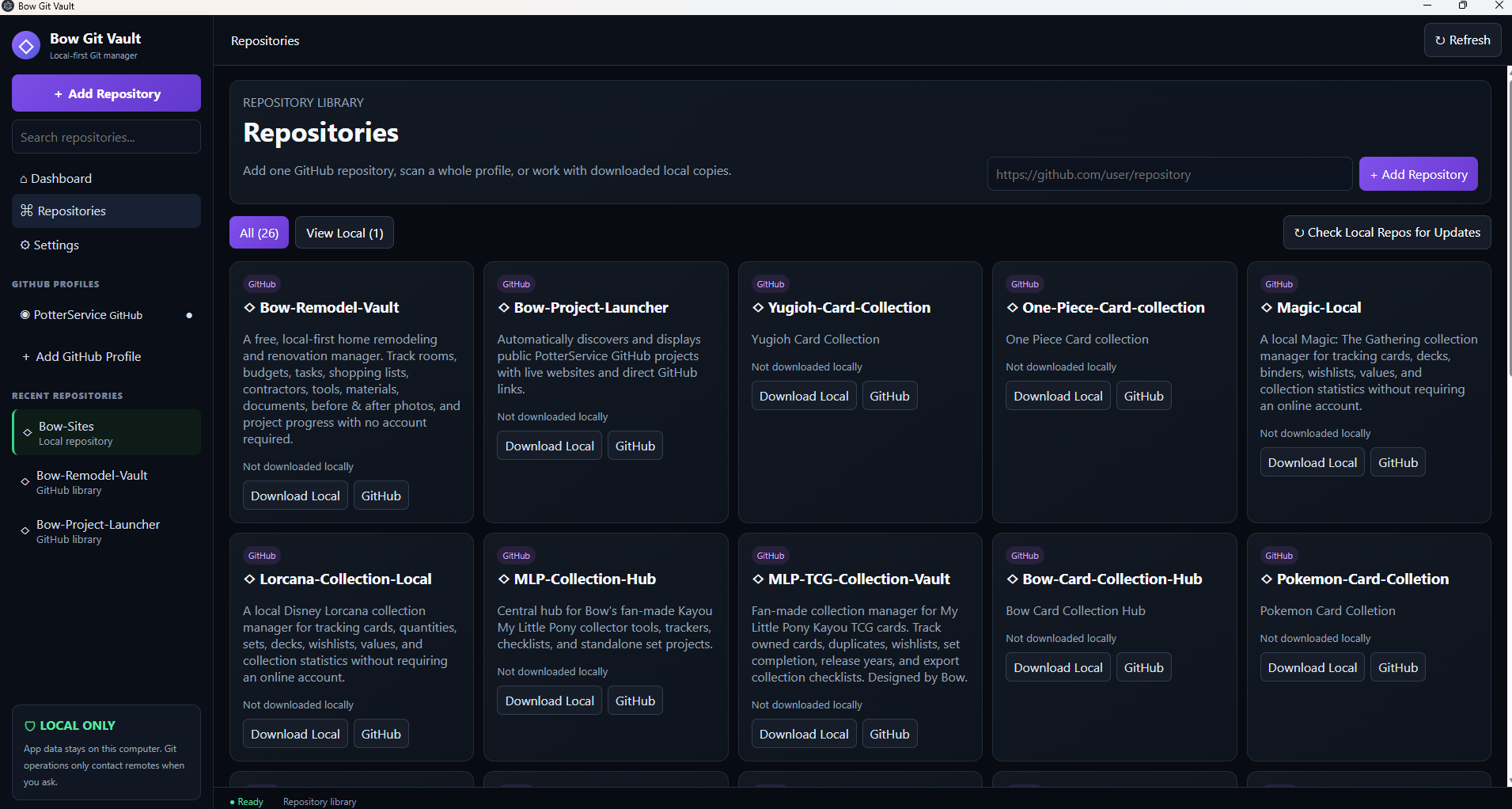
Search repositories, add one repository URL, view local copies and check local repositories for updates.
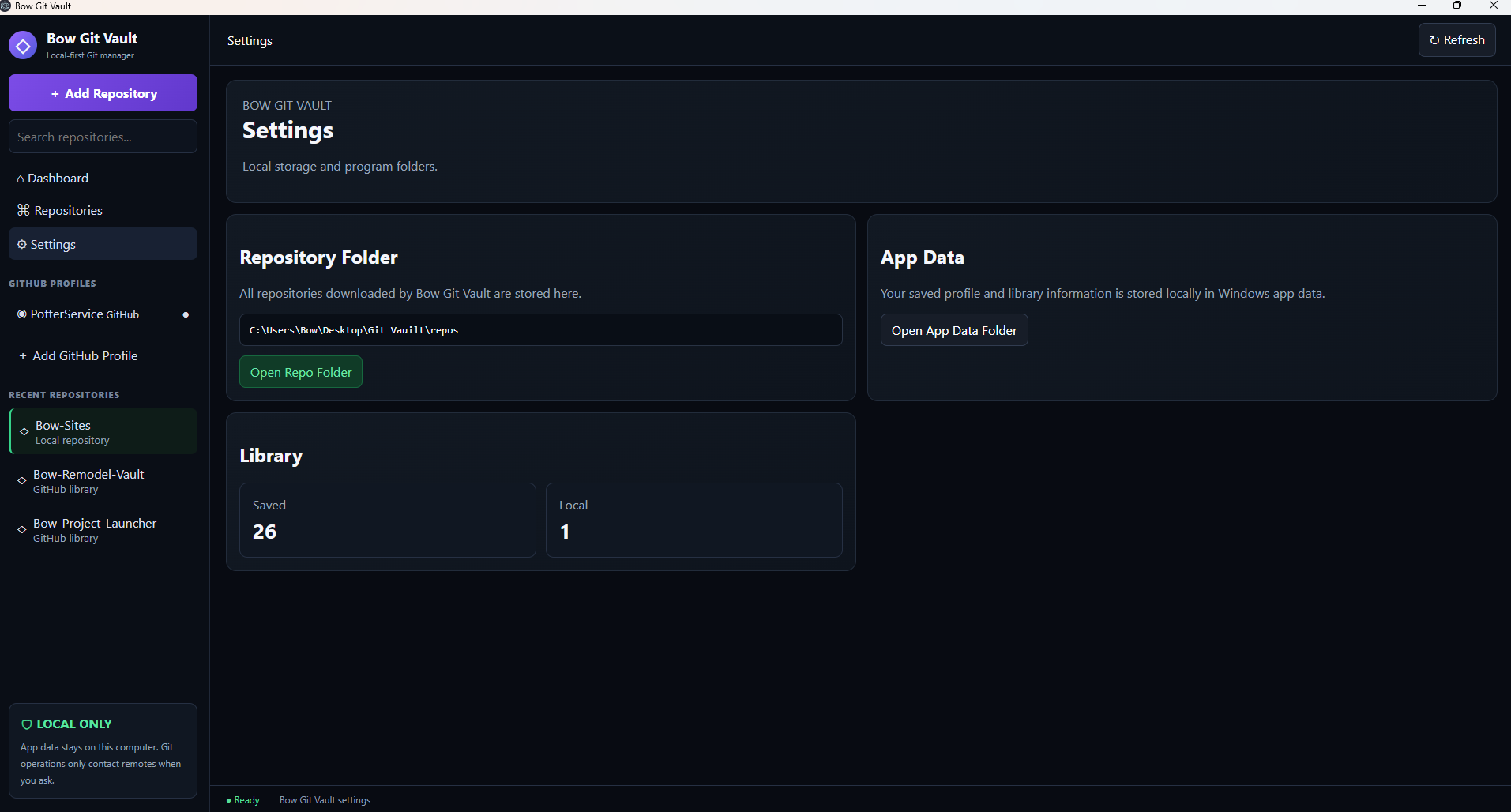
The local repository folder, App Data folder and basic saved/local library counts.
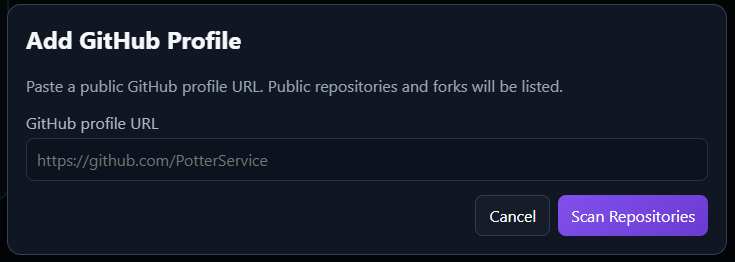
Paste a public GitHub profile URL and scan its public repositories and forks.
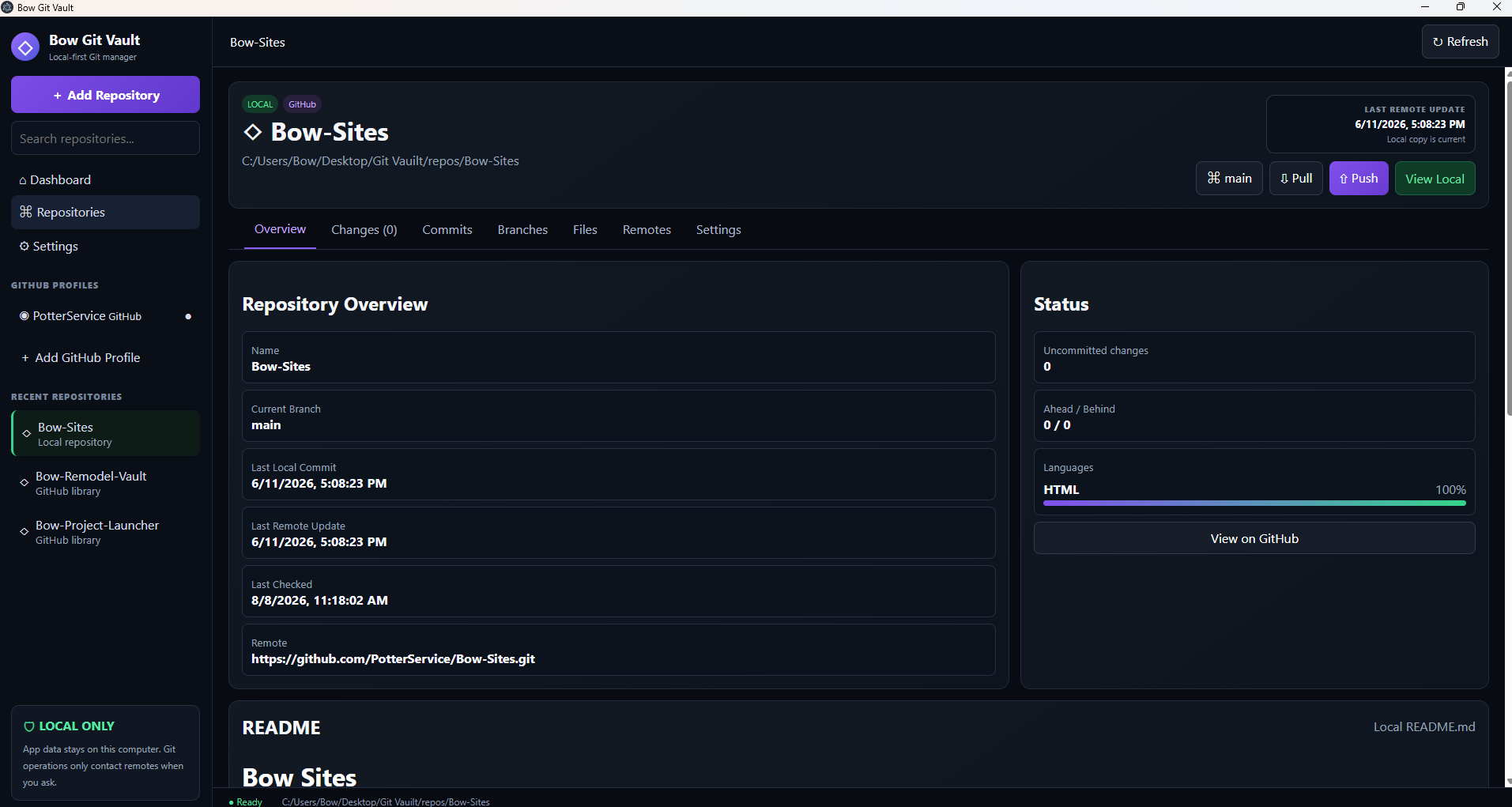
A downloaded repository opens into a full workspace. Overview shows branch, timestamps, remote, languages and README.
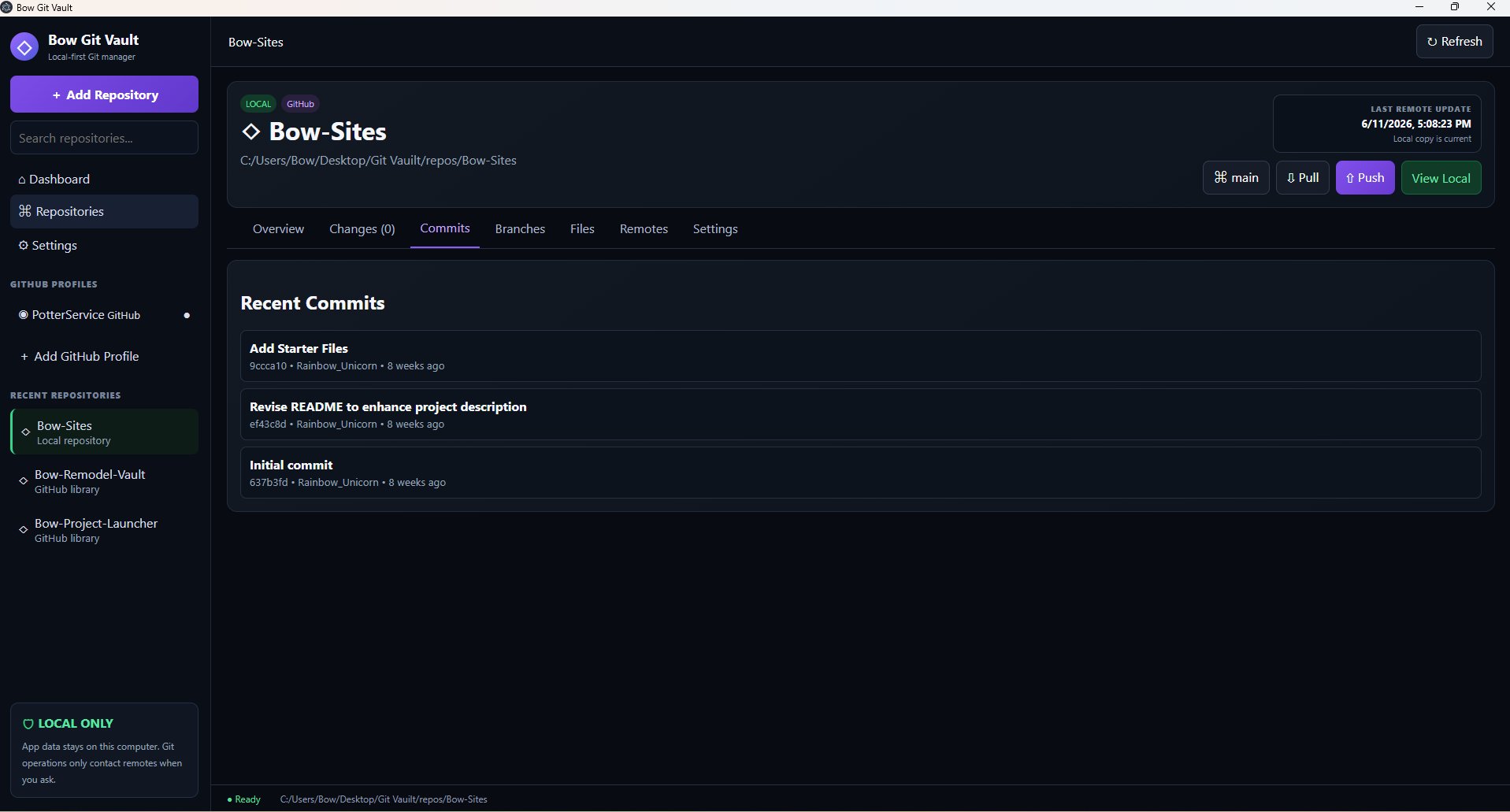
Recent commit messages are displayed with short hashes, authors and relative times.
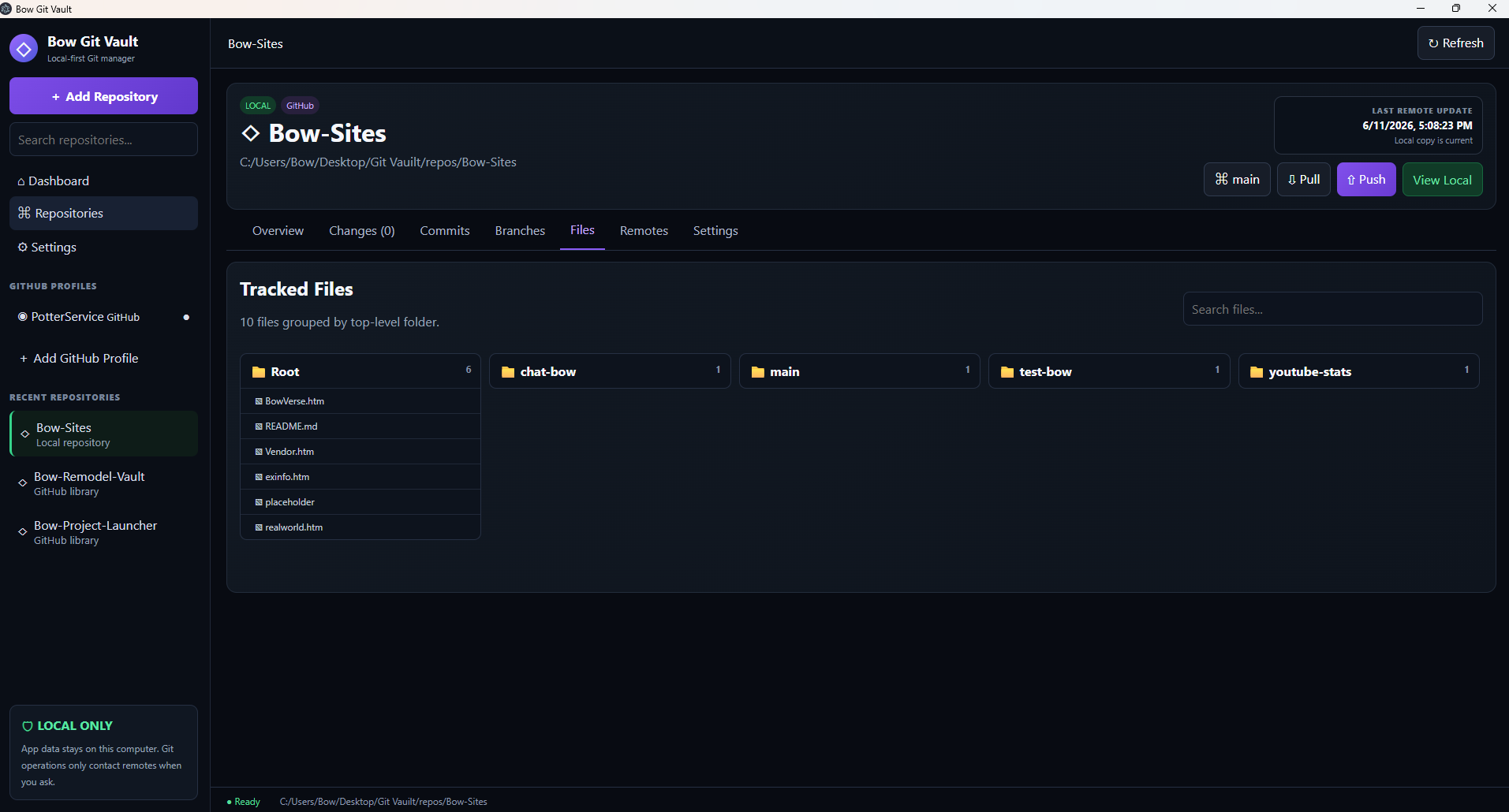
Tracked files are grouped by top-level folder with a search box to reduce scrolling.
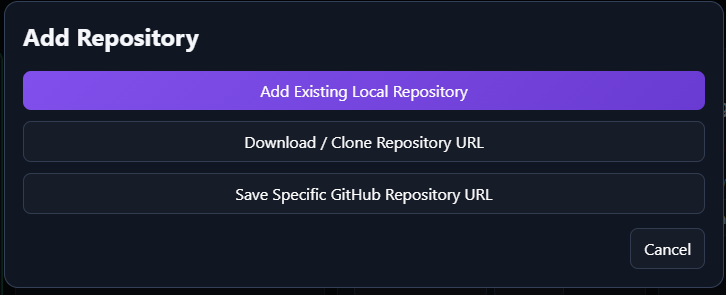
Choose an existing local repository, download/clone a repository URL, or save one specific GitHub repository URL.